
Riventic Flow, production scheduling software with AI. Does it fit your plant?
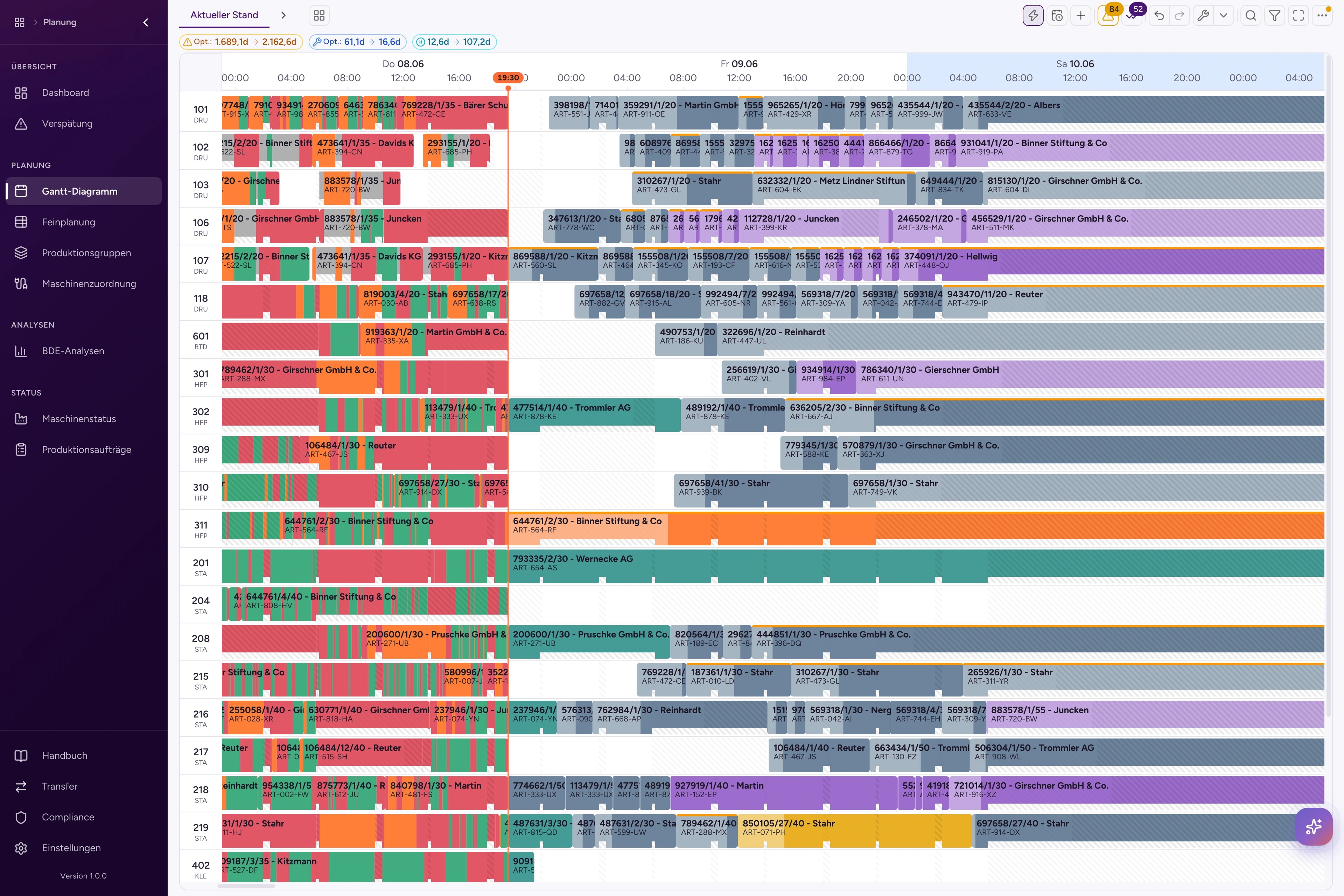
Check it on the planning board: optimization, planner and AI, ERP and control room, and at the end every constraint.
- Optimizes all machines in under 5 minutes
- Less lateness, setup time and idle time
- AI assistant for questions and changes
How is the better plan made? Flow always optimizes the whole plan.
All machines and all orders go into one run. The AI searches the best sequences and checks each against the constraints. Lateness, setup time and idle time go down. The frozen zone stays as it is.
- You weight the goals: lateness, setup time, idle time, total duration (makespan) and robustness
- Every new plan keeps the hard constraints.
- The optimization runs in the background. If you want, it starts on its own every night.
From our project experience: up to
- Lateness
−50%
- Setup time
−10%
- Idle time
−40%
How do planner and AI work together? The AI proposes, the planner decides.
The AI calculates every plan and checks it against the constraints. Your planner compares the versions and decides. Before the transfer to the ERP, Flow makes an automatic backup.
- Planning versions, backups and side-by-side comparison
- BOXSOFT®, SAP and Odoo; other systems through a REST API
Can Flow handle our size? Built for hundreds of orders.
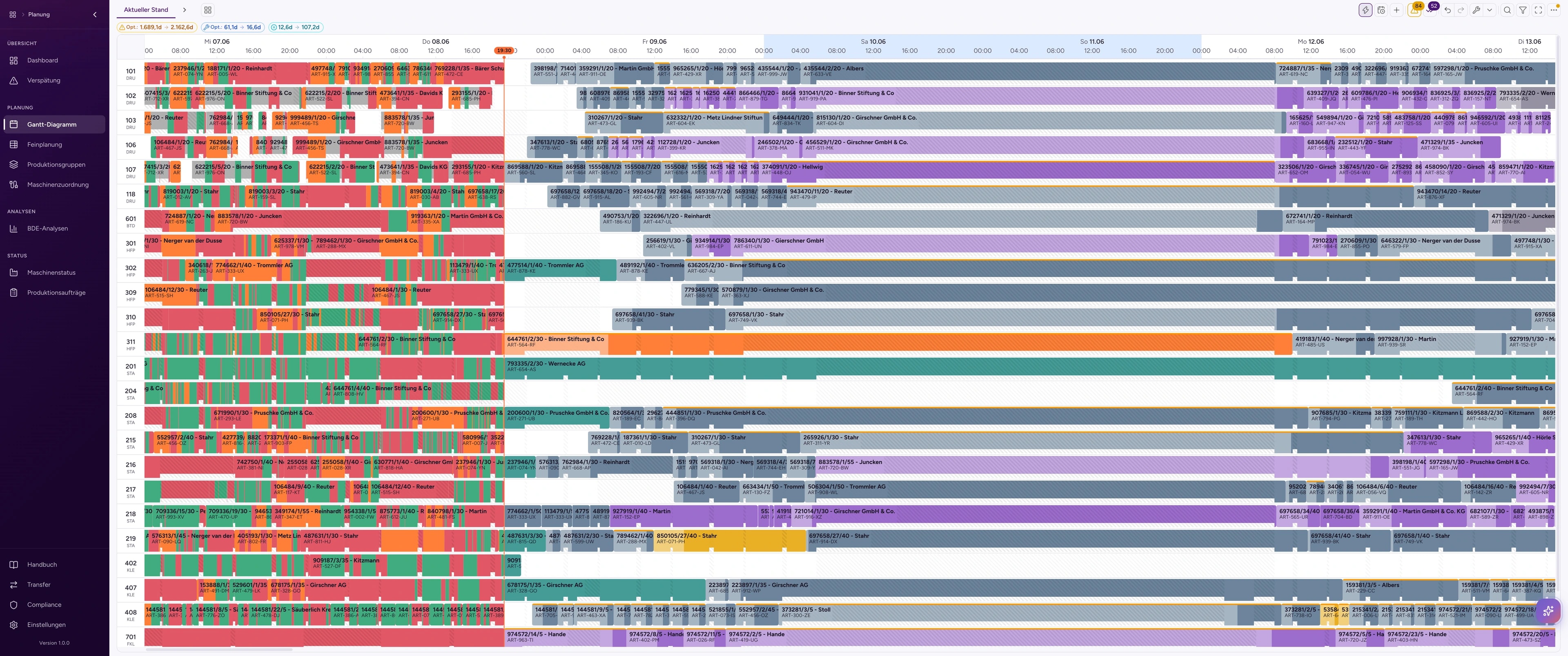
Flow handles hundreds of production orders active in parallel, on all machines and stages. An optimization run takes less than 5 minutes. You set the time limit yourself. This is the control room.
- Roles for viewer, planner and administrator
- Changes show for all users at once.
- Optimized for large widescreen monitors: more days and machines without scrolling
Ask your plan. The AI assistant plans with you.
The AI assistant knows your plan, your orders and your machines. It answers questions, moves operations, creates planning versions and starts optimizations. It also sets up Flow for you.
- Answers from your live data: plan, orders, machines and shop-floor data
- Moves operations and starts optimizations
- Adds new cards to your dashboard
- Knows the page you are working on
Local AI
We install an open-source language model or an open-source chatbot on a server in your plant and connect it to Riventic Flow. Your data does not leave the plant.
- Ollama
- vLLM
- Llama
- Mistral
- Qwen
- DeepSeek
Your own chatbot
Your team asks and plans from the chatbot it already uses. Flow connects through the open MCP interface to every chatbot that supports MCP.
- Claude
- Gemini
- ChatGPT
- Mistral
- Microsoft Copilot
BRANE AIF
With BRANE AIF from our partner AI-Z Group as the language model, an AI firewall checks every prompt in your network. So the production data in Flow stays confidential and fully on premise. See BRANE AIF
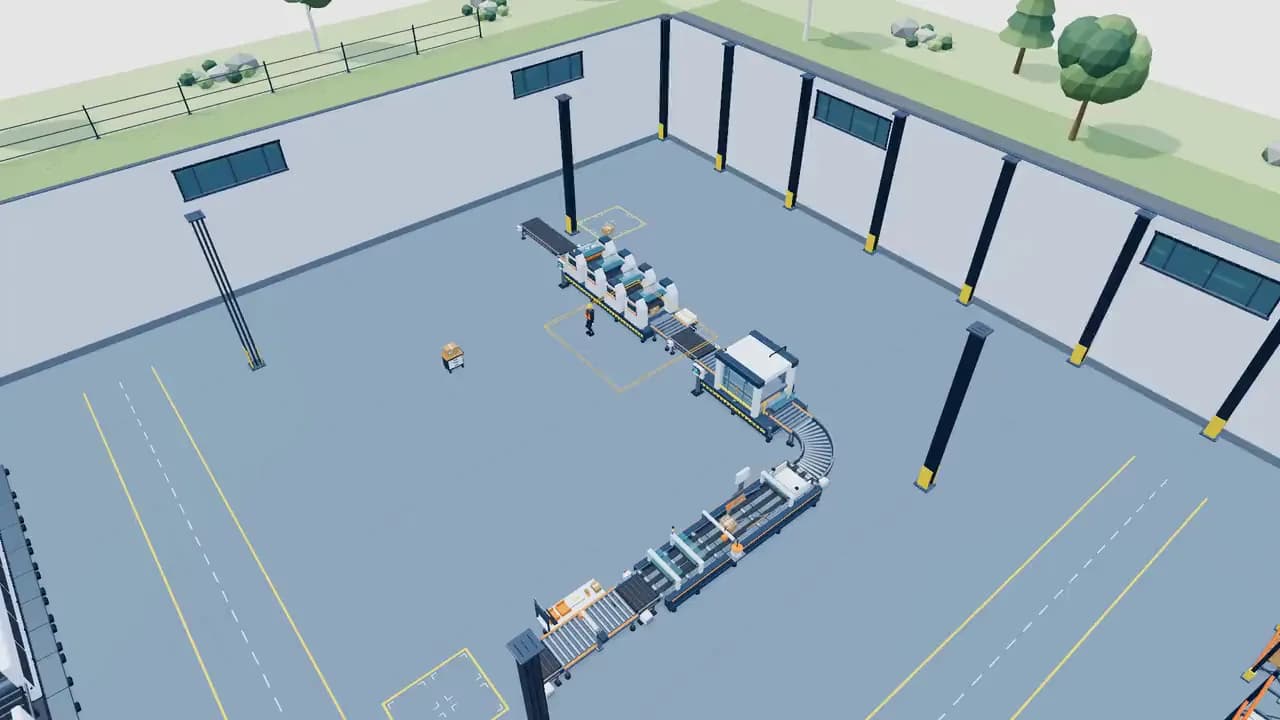
Walk through your plant. The digital twin in 3D.
Riventic Flow models your plant and your logistics in 3D: halls, machines, storage, vehicles and the path of the material. View production from above, in a cut view or up close, and walk through the hall as if you were there.
- Buildings, machine park, storage and yards in one model
- From the plant to logistics: tracks, cranes and port
- Runs in the browser with WebGPU or WebGL 2
- Walk-through mode: on foot or in a vehicle through the hall
Functions: scheduling, optimization, shop floor data and ERP
Above you see the essentials. Here is the complete scope, ordered by task.
Plan
The plan in one place, as a Gantt chart and as a table.
Gantt chart
One row per machine. You move operations with drag and drop. A simulation shows the effects first.
Detailed planning
The same plan as a table, in sync with the Gantt chart.
Scheduling
Sets the times of selected machines again: forward or keeping the constraints.
Production groups
Groups operations with the same setup features and suggests groups.
Optimize
The whole plan in one run, checked against all constraints.
Optimization run
Runs in the background with progress in real time. A stop keeps the best plan.
Goal weights
Lateness, total duration (makespan), setup time, idle time, robustness and plan deviation, weighted as you set.
Planning warnings
Check the plan before the run and show each violation with a jump into the chart.
Optimize selection
Finds the best place for up to ten selected operations, on the current machine or on all of them, mostly in a few seconds.
Nightly optimization
Optimizes the plan every night and saves the result as a new planning version. In the morning, you check and adopt it.
Learn
Times and assignments from your own data.
Run time model
Learns the throughput per article and machine from the BDE runs.
Setup time model
Learns the setup time per machine group, depending on the operation before.
Machine assignment
Sets which machines an article may use: manually, learned or from the ERP.
Assist
The AI assistant: ask, change, set up.
Questions to the plan
Why is an order late, where are the gaps, which machine is at a standstill: answers from the plan, orders, machines and shop-floor data.
Changes and optimizations
Moves operations, creates planning versions and starts optimizations. It changes the live plan once you approve.
Set up Flow
Adds cards to your dashboard on request.
Model and chatbot of your choice
A language model in the cloud or on your premises. Or your own chatbot, for example Microsoft Copilot, Claude or ChatGPT, through the open MCP interface.
Monitor
Plan and actual side by side at any time.
Plan and actual
BDE bars in the Gantt chart and a warning as soon as the actual state leaves the plan.
BDE analytics
Runs per operation with setup and production phase, figures per machine for a day, a week and a year.
Material status
Shows for each operation whether the material is available, ordered or missing.
Lateness
All orders that miss their due date, on one page.
KPI dashboard
Expected on-time delivery, productivity, total duration (makespan) and lead time, compared with the previous period.
Machine status
Which machines produce, set up, stand still or run idle, on one page.
Control
Every change is traceable.
Planning versions
Versions, backups and the comparison of two plans side by side.
Change log
Undo, redo and jump, plus the history of each operation.
Release
Comparison and confirmation, a backup before each transfer, restore and a CSV dry run.
Audit
Records who changed what and when.
Operate
In the browser, as an app and for the whole team.
Roles
Viewer, planner and administrator.
Sign-in
Locally, through LDAP and Active Directory, optionally with SSO (OIDC) or a passkey.
Real time
Changes show for everyone at once; locks prevent conflicts.
Export
Plans and lists as CSV, Excel or JSON.
Mobile and desktop
On smartphone and tablet, as an app for iOS and Android and as a desktop app.
Flow is in use in the packaging industry and fits any discrete production
Riventic Flow plans with the constraints of any discrete production: sequences, setup times, shift calendars, resources.
 In use
Packaging industry In use
Printing and finishing with high product variety and sequence-dependent setup times.
Machinery & plant engineering
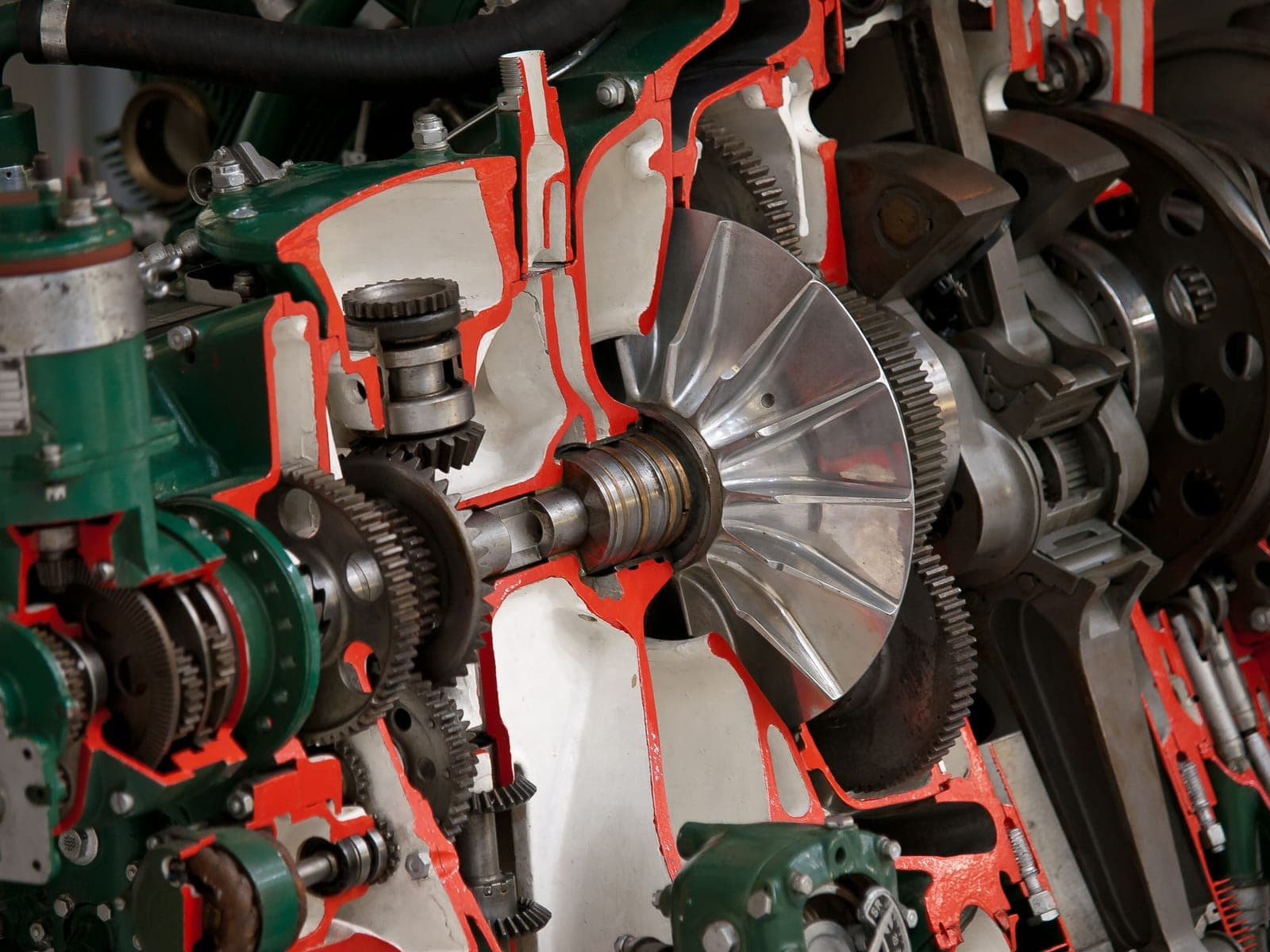
One-off and small-batch production with complex, multi-stage routings.
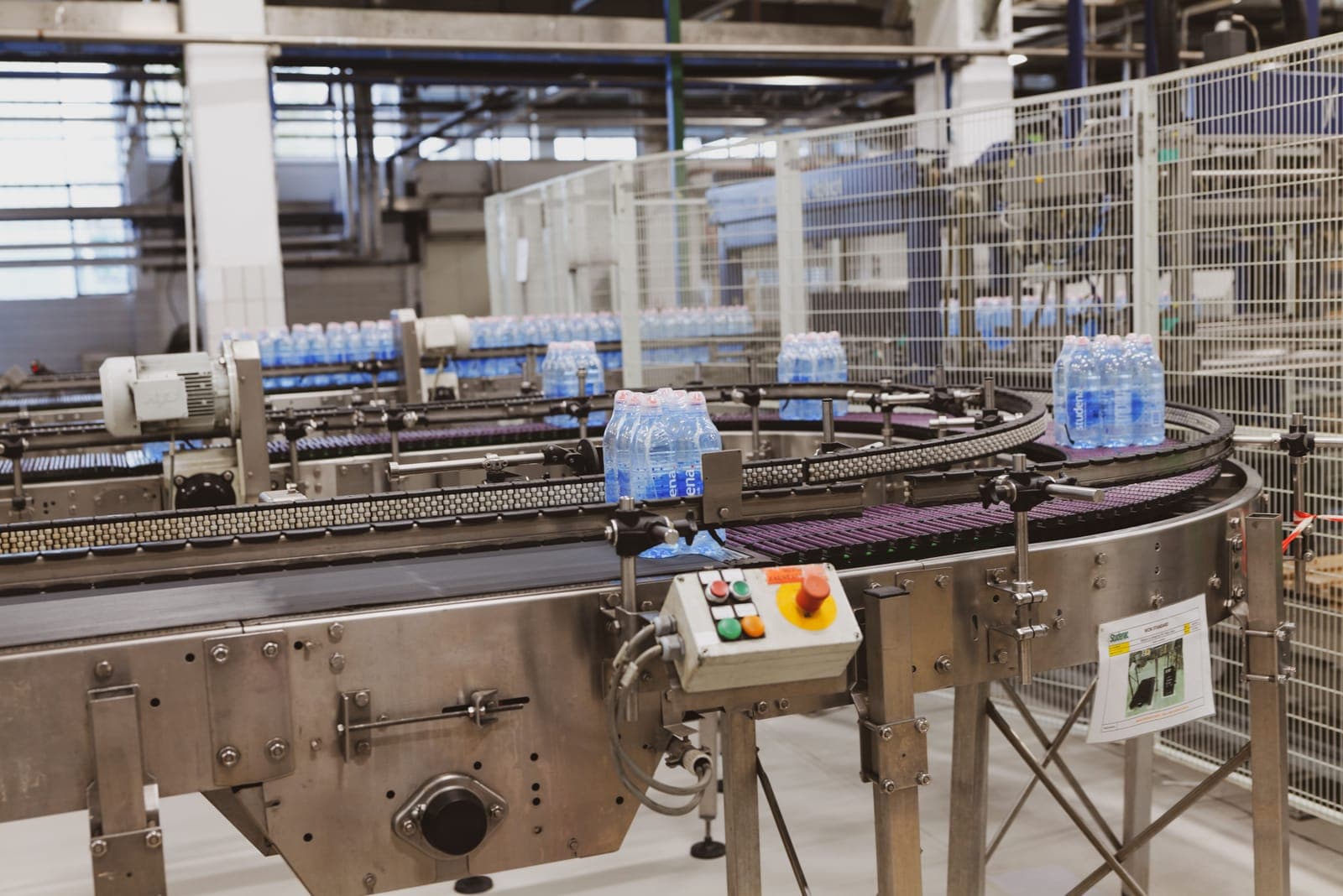
Food & beverage
Batch and order-based production under tight delivery dates.

Metalworking
Machining, forming and assembly with sequence-dependent setups.
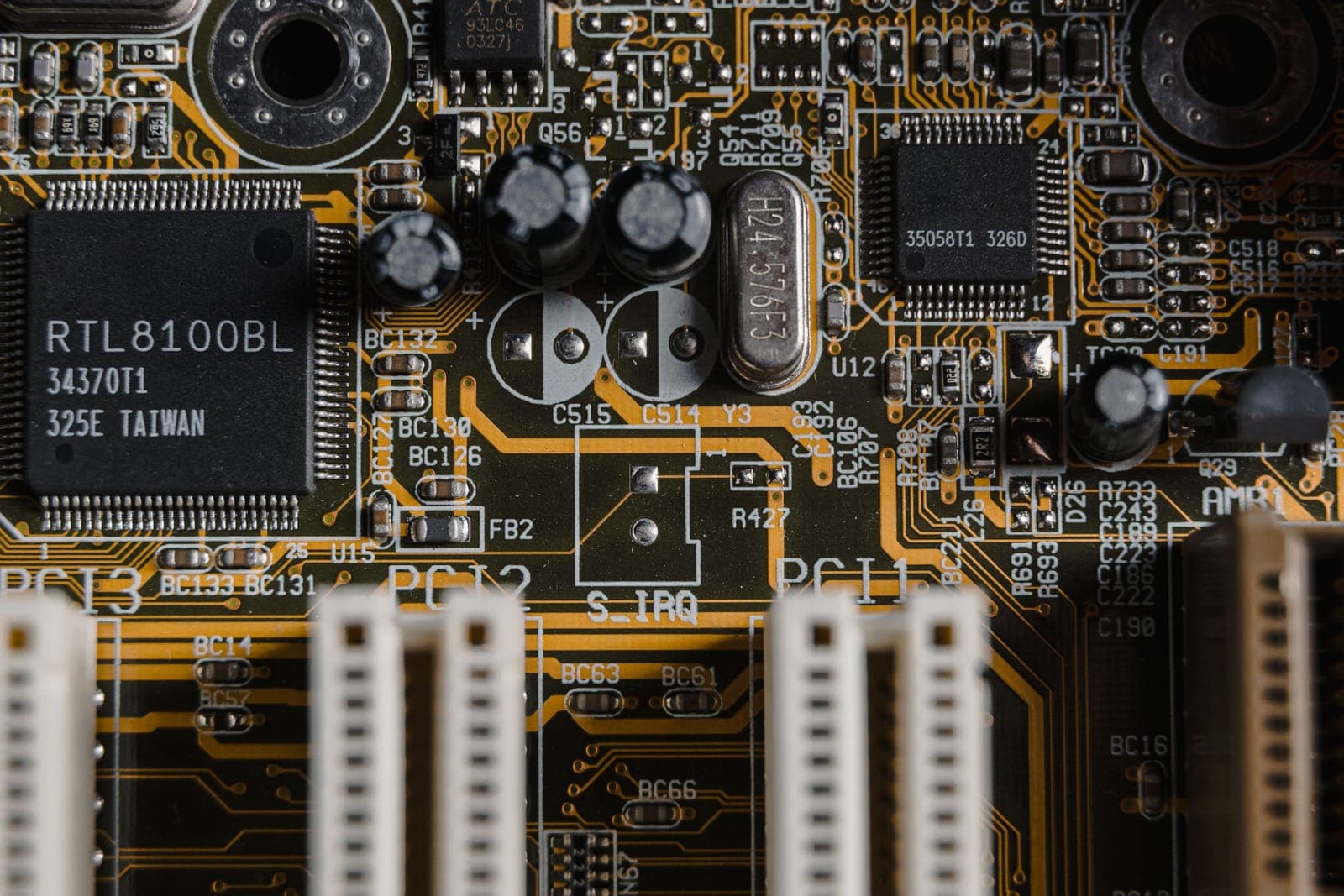
Electronics & PCBs
Assembly and mounting with many parallel orders and tool binding.

Plastics processing
Injection molding and extrusion with tool- and machine-bound planning.
If you think in orders, machines and deadlines, Riventic Flow fits.
Talk to us about your industryAward-winning research at the core of Riventic Flow
The optimization in Riventic Flow is based directly on the award-winning research of our co-founder Prof. Dr.-Ing. Sebastian Lang on AI-based production scheduling.
- Award
- Science Award for Logistics 2024German Logistics Association (BVL)
- Recipient
- Prof. Dr.-Ing. Sebastian Lang
- Presented
- 24 October 2024, Berlin
- Dissertation
- “Methoden des bestärkenden Lernens für die Produktionsablaufplanung”Springer Vieweg, 2023 · open access

Which constraints does Flow plan with? The rules of your production.
Flow only plans what your shop floor can do: precedence, frozen zone, shifts, tools and staff, buffer times and material. And Flow learns run and setup times from your shop floor data.
Precedence
No operation before its predecessor.
Order 4711 runs through three stages. Flow plans each operation only after the one before it is done.
Frozen zone
The next hours stay fixed.
What lies in the frozen zone is fixed: Flow does not replan it. Everything after it is free and can be planned again.
Shift calendar
Planning happens only in working time.
Each machine has its own calendar with one, two or three shifts. Outside of it, Flow plans nothing.
Tool and staff availability
A tool never runs on two machines at once.
Tool W-17 exists once. Order 4722 on M11 needs it too, so it waits until 4721 on M9 is done.
Buffer time
8 hours of waiting between two steps.
Some operations need time afterwards, for example to dry. Order 4711 waits 8 hours before stage 2 starts. The buffer time is configurable.
Material availability
No operation without its material.
Order 4725 on M3 needs material A. It arrives with the goods receipt on Tuesday at 14:00, so Flow plans the operation after it. For this, Flow projects the stock across the whole plan.
How long does an operation really take? Run time and setup time can be learned.
The ERP gives target times. Flow learns from the runs in the shop floor data collection (BDE) how long setup and production really take, and plans with these times.
- The models learn again every night. Without BDE data, the ERP value applies.
Run time
- Target in the ERP
- 2:30 h
- Learned
- 3:12 h
Median of 14 BDE runs, stops included
Setup time
- Target in the ERP
- 0:45 h
- Learned
- 1:06 h
Per machine group, depending on the operation before
Flow plans with the learned times.
Book your demo.
The demo runs online, takes about 30–45 minutes and is free and without obligation. You do not need your own data.